Photo Library
On the "Home" screen, tapping the "Photo Library" button opens the library screen in Photos (the standard iOS/iPadOS app).
On this library screen, you can import an image into FPT+ by tapping an image that has been added to Photos.
You can use the standard iOS/iPadOS screenshot function to capture an image displayed on the device screen and import it into FPT+ through the Photos library. For example, you can import a score image displayed on a website.
On this library screen, you can import an image into FPT+ by tapping an image that has been added to Photos.
You can use the standard iOS/iPadOS screenshot function to capture an image displayed on the device screen and import it into FPT+ through the Photos library. For example, you can import a score image displayed on a website.
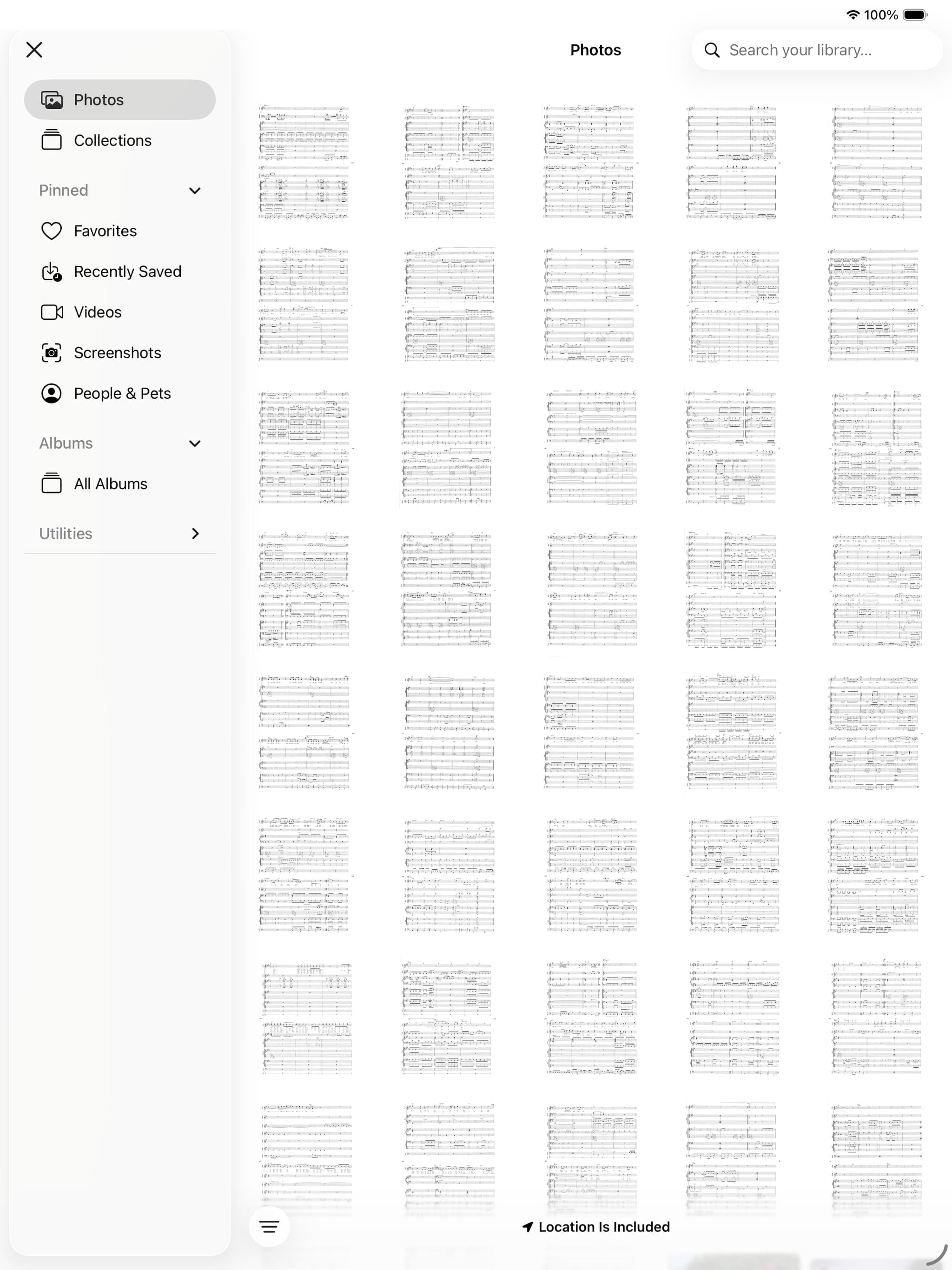
Photo Library (Photos App Library)