Library
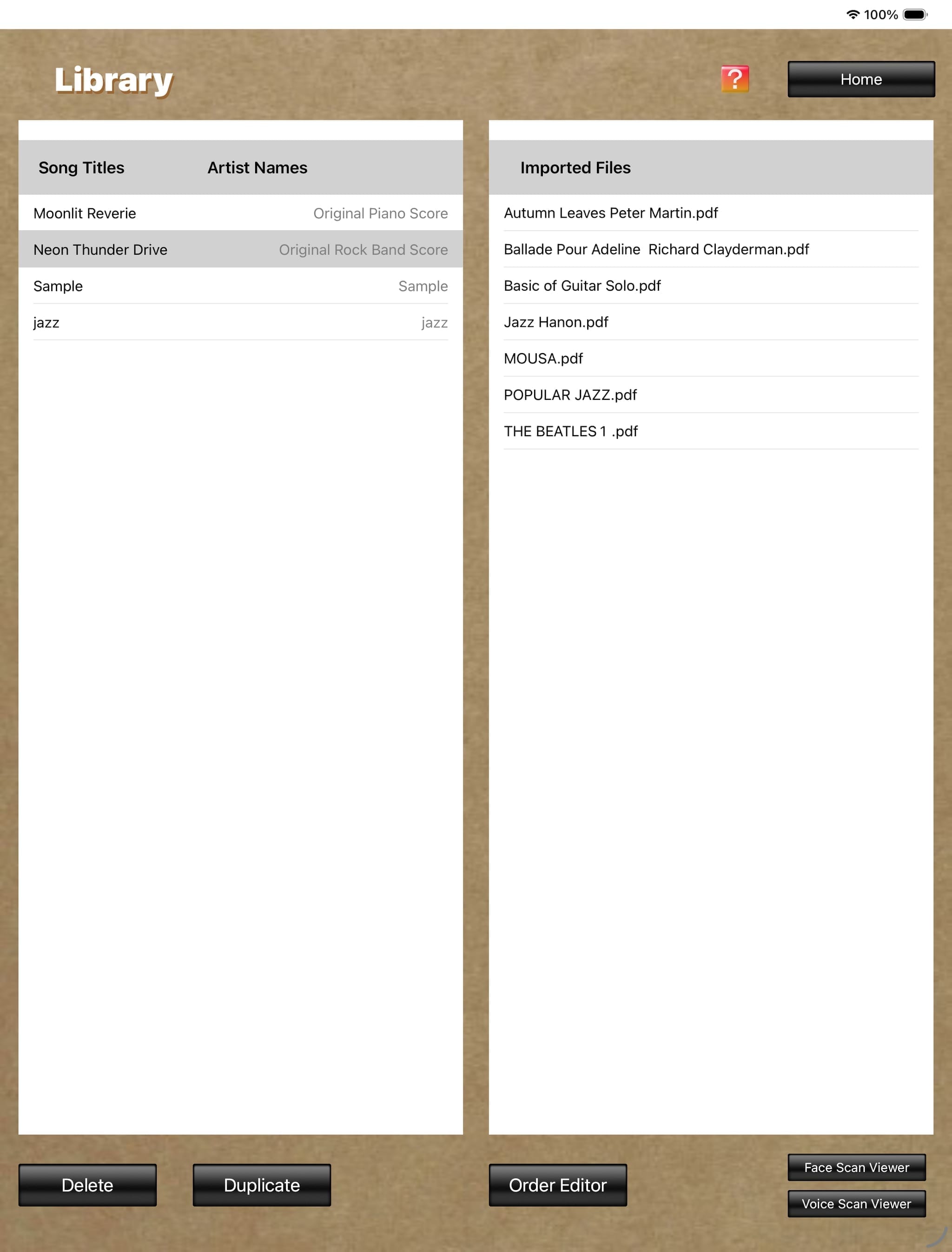
The "Library" screen displays all score image files imported by the user. Tapping the score image file name you want to display turns its row gray, indicating that the score image file is selected.
In this state, tapping the "Face Scan Viewer" button or the "Voice Scan Viewer" button at the lower right switches to the Score Viewer screen, and the selected score is displayed.
Immediately after downloading this app, only the test sample file "Sample / Sample" is displayed in the "Song Title / Artist Name" field.
In this state, tapping the "Face Scan Viewer" button or the "Voice Scan Viewer" button at the lower right switches to the Score Viewer screen, and the selected score is displayed.
Immediately after downloading this app, only the test sample file "Sample / Sample" is displayed in the "Song Title / Artist Name" field.
Library