Camera
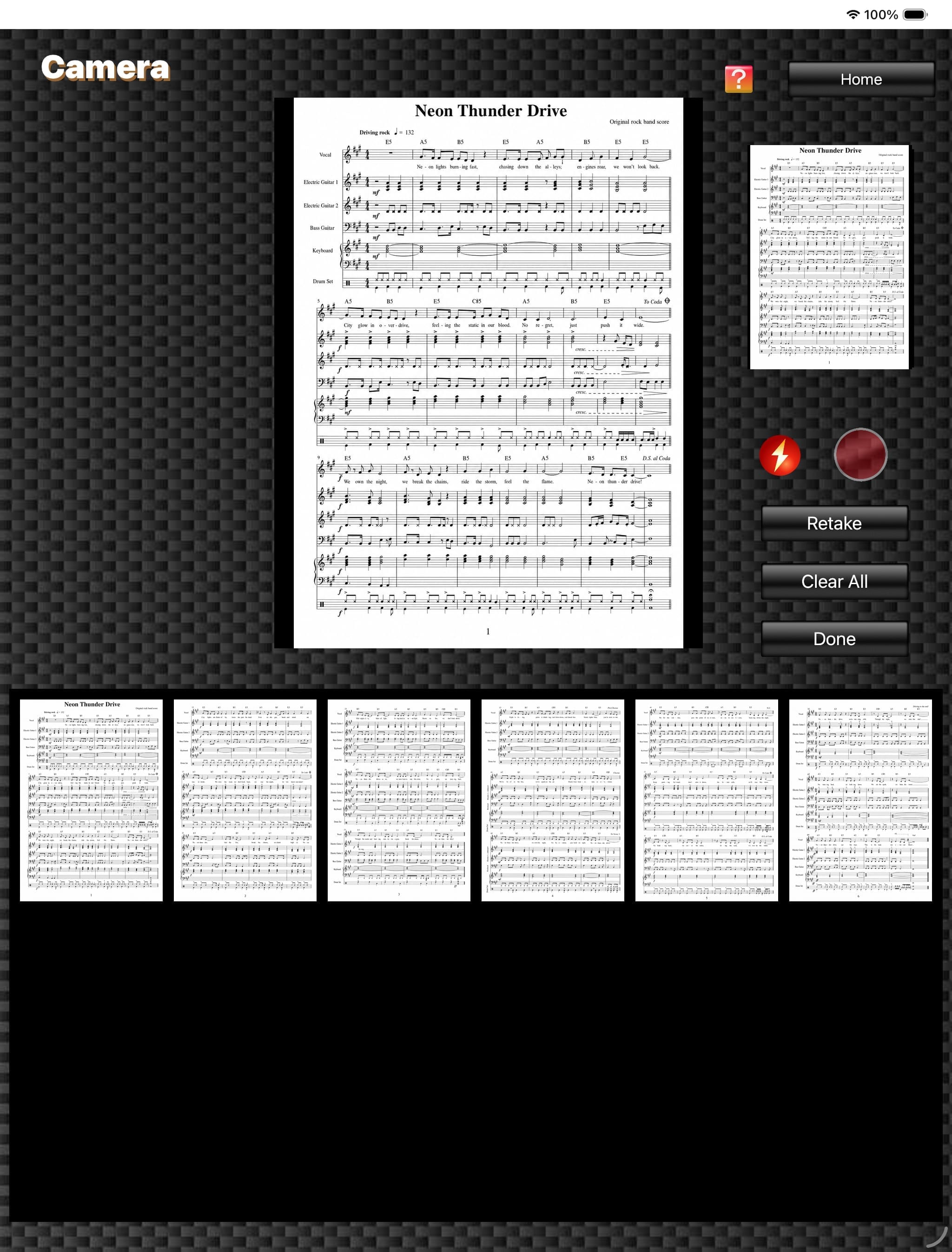
On the "Home" screen, tapping the "Camera" button opens the "Camera" screen. On this screen, you can import paper music scores directly into FPT+ by photographing them with the camera.
The red round button is the "Shutter" button, and the lightning icon button is the "Flash" button.
After photographing the score, tapping the "Done" button opens the "Order Editor" screen and displays the captured score images there.
The red round button is the "Shutter" button, and the lightning icon button is the "Flash" button.
After photographing the score, tapping the "Done" button opens the "Order Editor" screen and displays the captured score images there.
Camera
(The score image is an original image generated by AI.)
(The score image is an original image generated by AI.)