Score Viewer for Face Scan
The Score Viewer is the screen that displays music scores. Tapping the "Start Face Scan" button at the lower left starts Face Scan (facial state detection), allowing you to turn the displayed score pages using four face states: head tilt, face movement, blink, and smile.
You can also configure combinations of these methods. (See More Info on Preferences for details)
To stop Face Scan, tap the same button again (its label becomes "Stop Face Scan").
You can also configure combinations of these methods. (See More Info on Preferences for details)
To stop Face Scan, tap the same button again (its label becomes "Stop Face Scan").
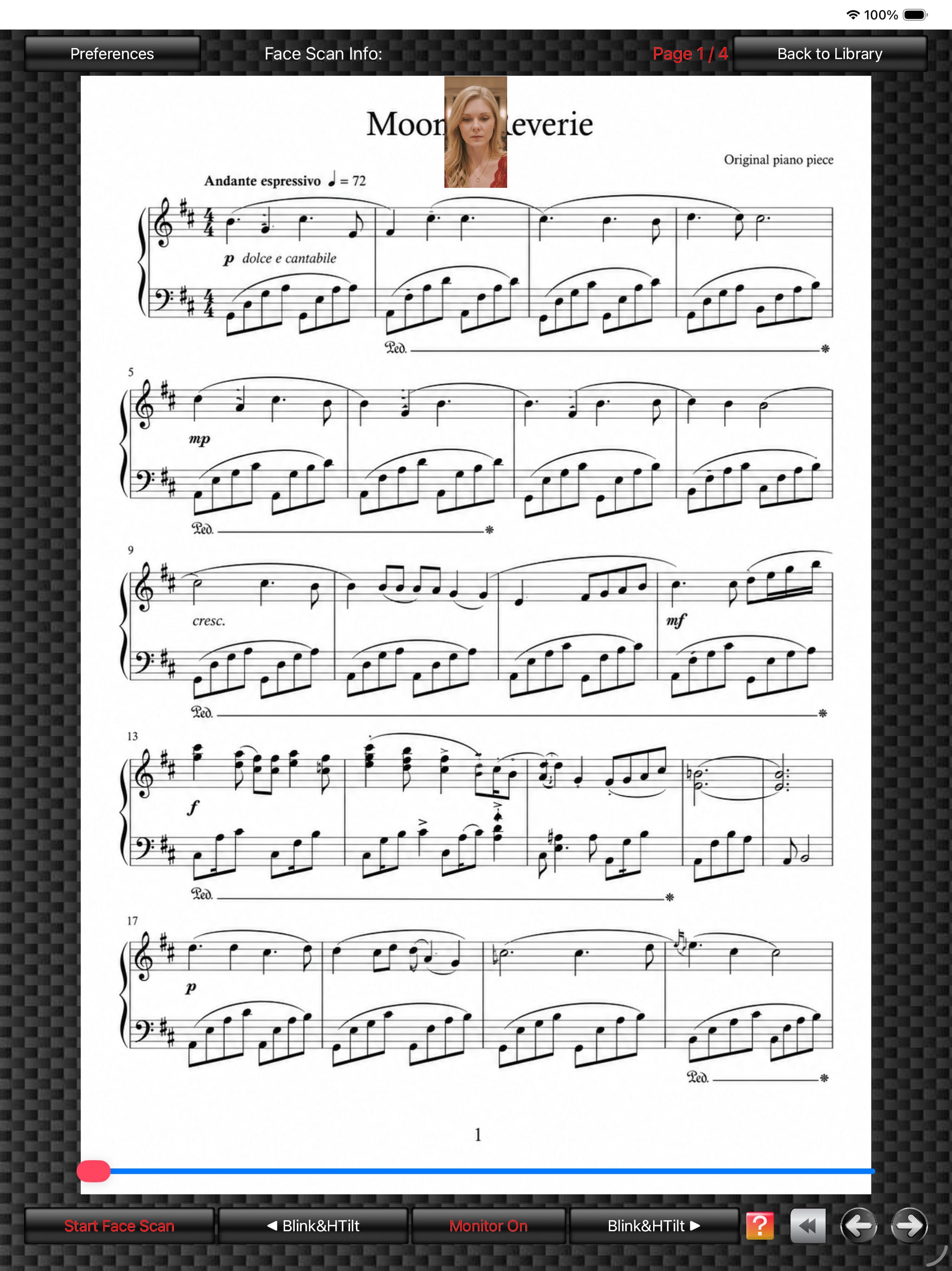
Score Viewer
(The photo is an AI-generated image.)
(The score image is an original image generated by AI.)
(The photo is an AI-generated image.)
(The score image is an original image generated by AI.)